

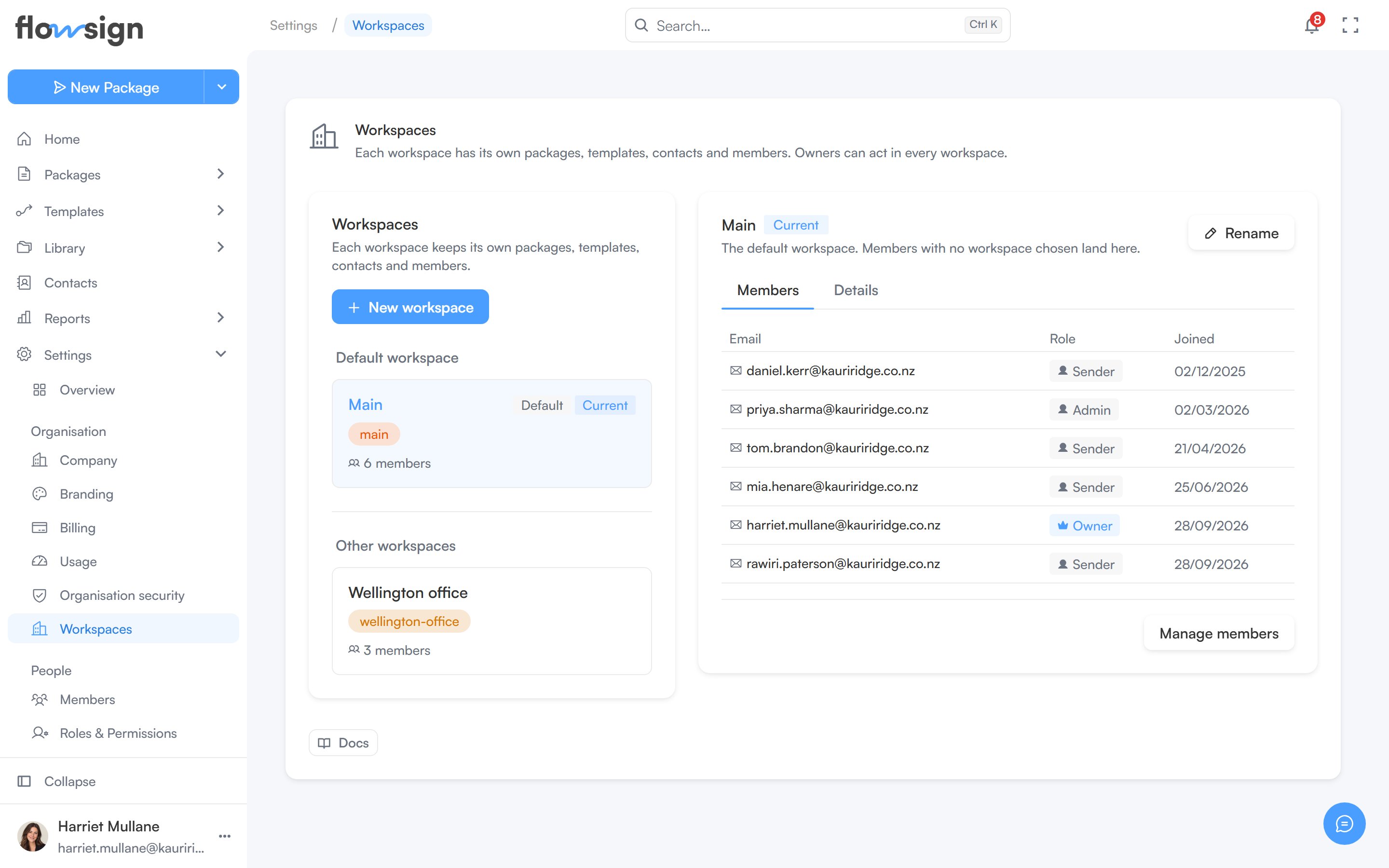
Workspaces (“Each workspace has its own packages, templates, contacts and members. Owners can act in every workspace.”) is only available to Owners; anyone else sees a locked page instead.
The workspaces settings page

Workspaces, each with its own packages, templates and contacts.
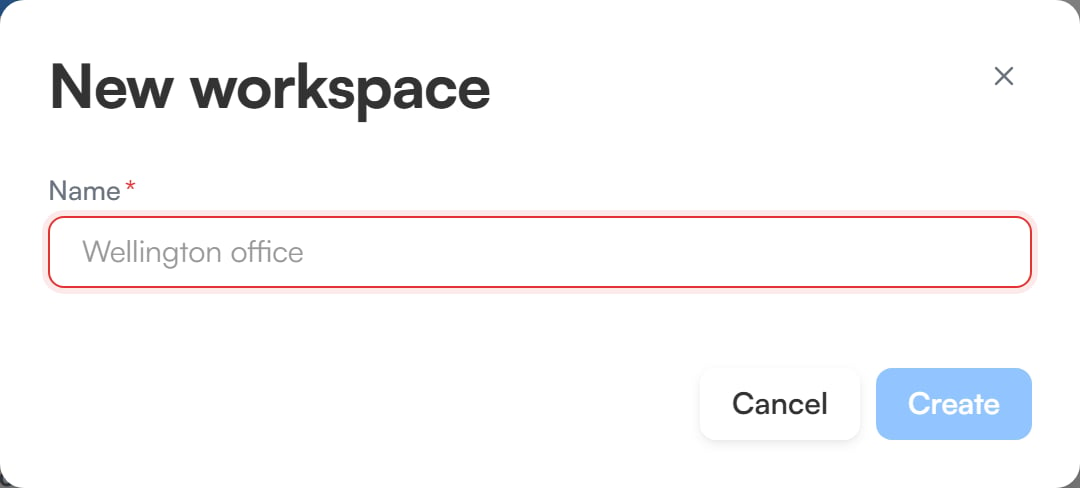
Every organisation has a default workspace, where members with no workspace chosen land. The list shows it under Default workspace, with the rest under Other workspaces, and marks the one you’re working in as Current. New workspace creates one and requires the Enterprise plan (see pricing). On other plans the list shows “Additional workspaces are an Enterprise feature.” instead.
The new workspace dialog with a Name field, Cancel and Create buttons

Creating a new workspace.

Workspace detail

Select a workspace from the list to open it. From there you can:
  • Switch to it, to work in that workspace.
  • Rename it.
  • Make default, so new members with no workspace chosen land there instead.
The Members tab lists who belongs to the workspace, with their Email, Role and Joined date. The Details tab shows a breakdown of its Packages, Templates, Documents and Contacts, plus its name, slug, type, member count, creation date and last package activity.