

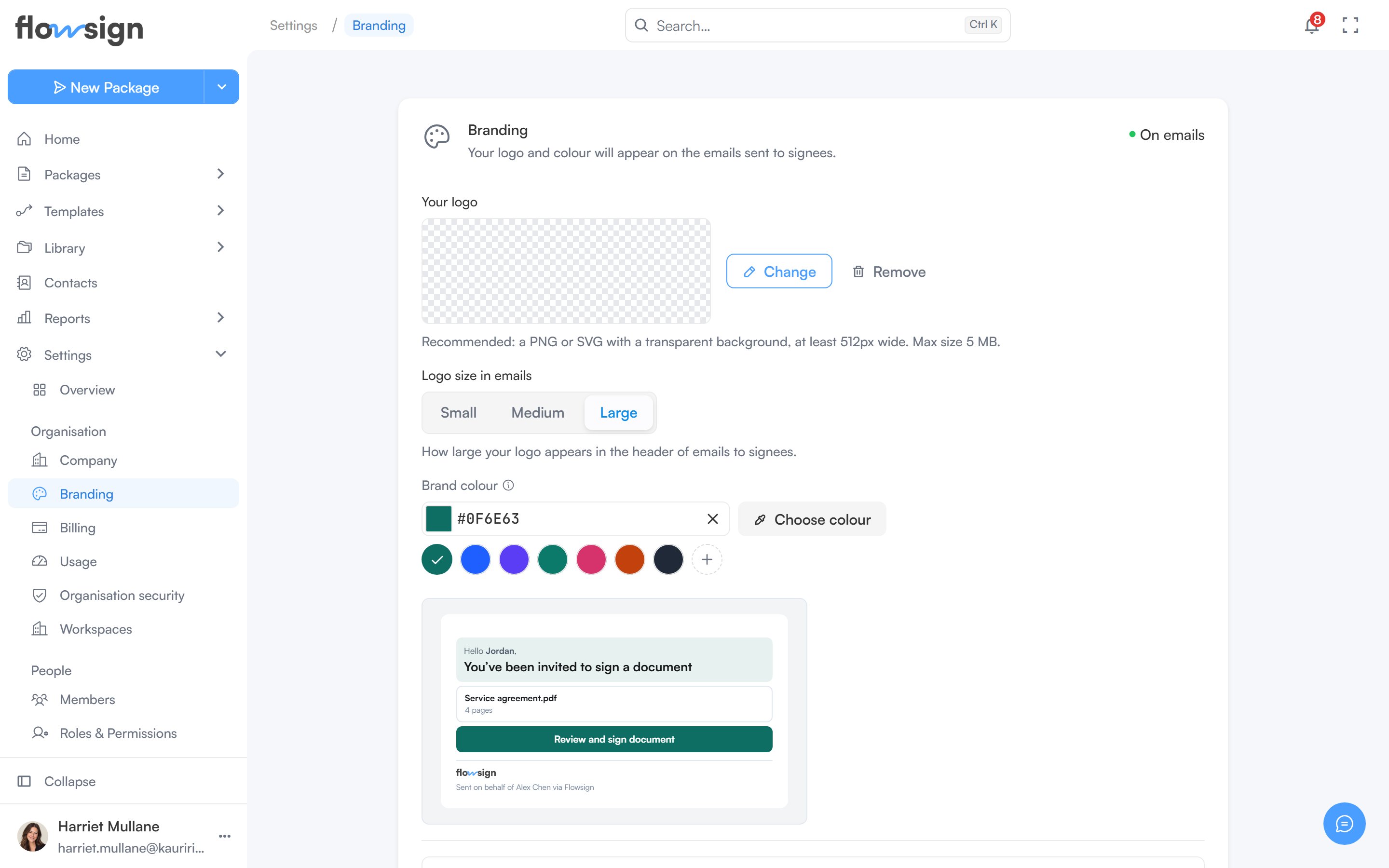
Branding, where the logo and brand colour are set.
Your logo
Upload a logo (PNG or SVG with a transparent background recommended, at a minimum width and a maximum file size the page states). Uploading, replacing and removing are all done from the same control.Logo size in emails
Choose Small, Medium or Large for how large your logo appears in the header of emails to signees. The control is available once a logo is uploaded.Brand colour
Pick a colour that colours the header panel and button on emails to signees. Leave it blank to use the Flowsign blue. A mini preview beside it shows the effect live.Email options
Show this logo on emails sent to signees can be turned on once a logo is uploaded. With it off, your logo is kept but left out of emails.Save and preview
Changes are held as a draft until you select Save changes. Discard changes throws the draft away, and leaving the page with unsaved changes asks whether to save or discard them. A status chip on the section shows whether your branding is currently On emails or Not on emails. Preview email opens a sample invitation email with your draft branding applied, alongside the same logo, size and colour controls, so you can adjust and save from there.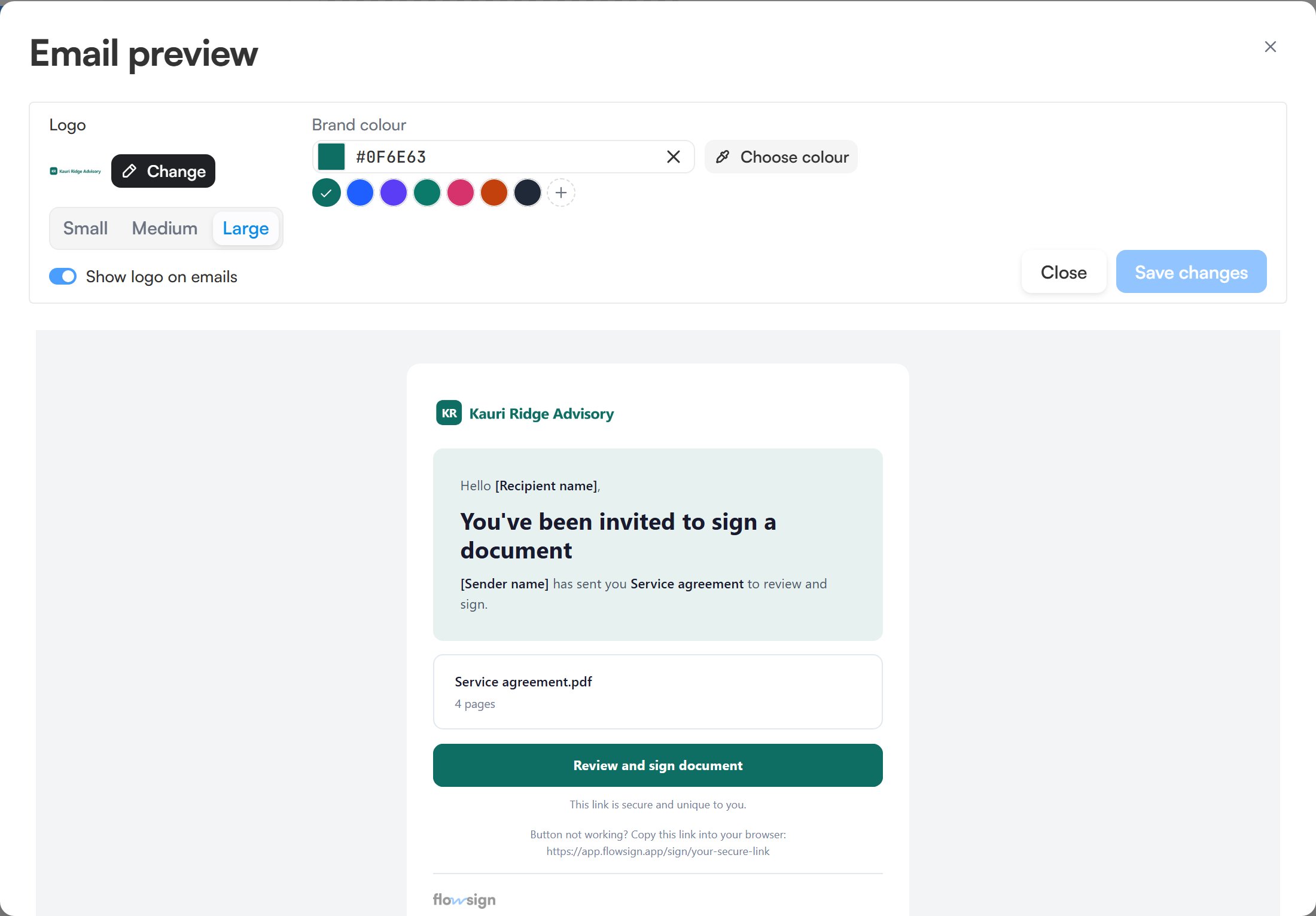
Preview email, showing a sample invitation with the draft logo and colour applied.