

Saving
A draft is created once you change something after choosing the template and send type, and is saved automatically as you work. Save draft, in the main button’s menu, saves straight away. Sending consumes the draft. Only the person who started a draft can see it.The list
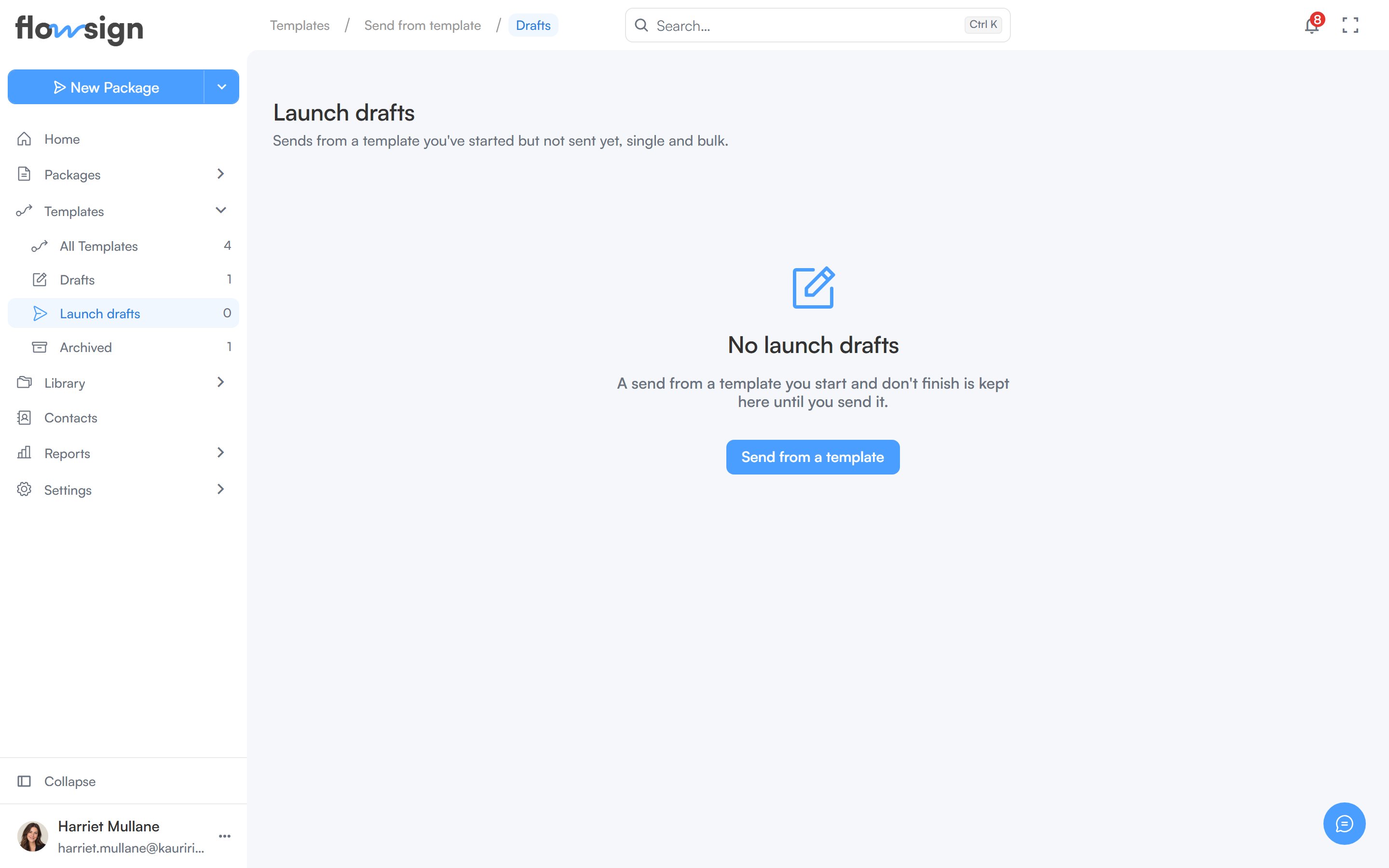
The Launch drafts list.
/templates/launch/drafts) lists your launch drafts, single and bulk together. Each row shows its title, a Single send or Bulk send tag, the template, and when it was last edited.
- Continue reopens the draft at the step you left.
- The delete button removes it, after you confirm with Delete draft.