

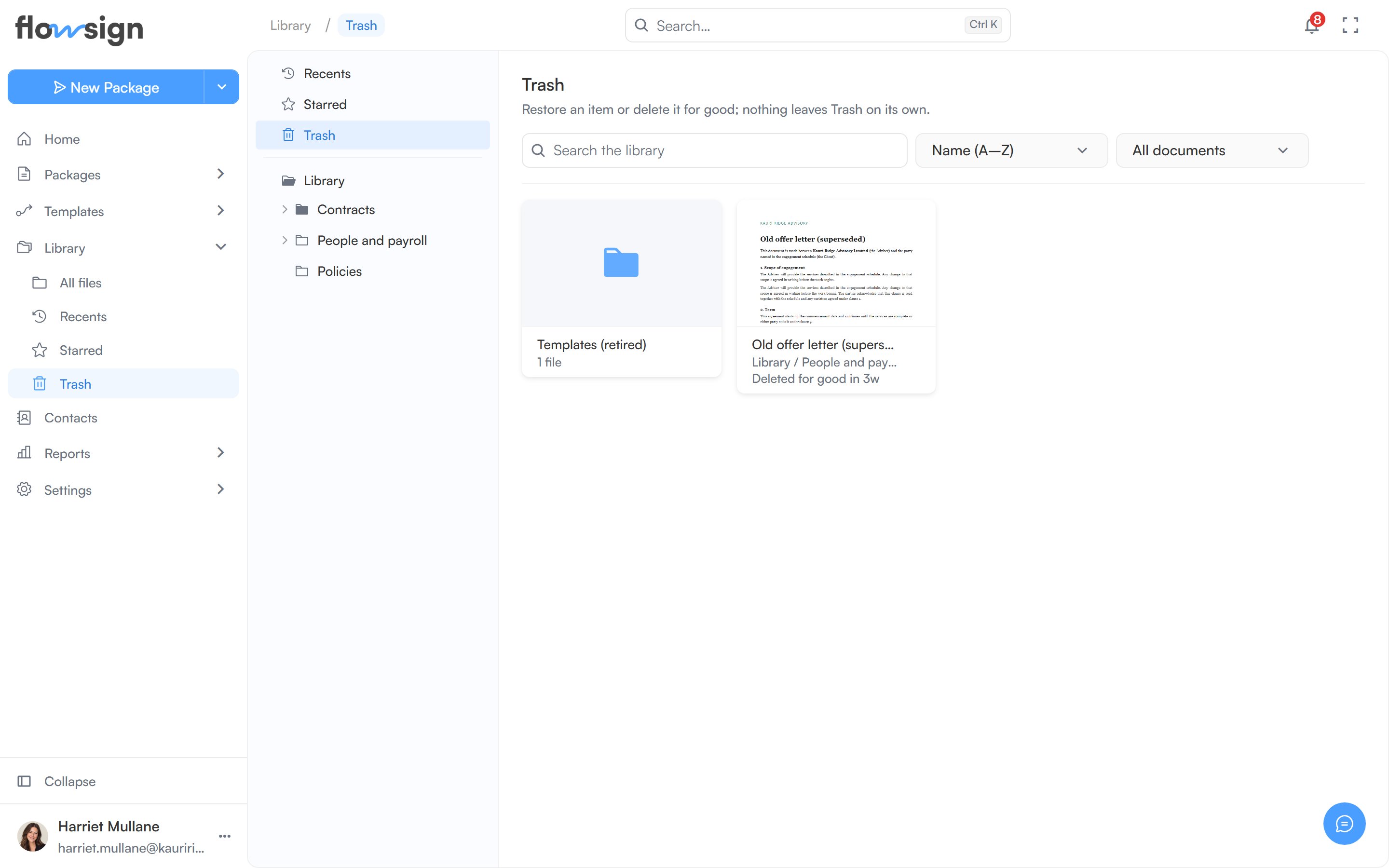
Trash lists everything moved out of the Library, most recently trashed first. Items stay in Trash for 30 days, and each card shows when it will be deleted for good; after that it is removed, file and all, as if deleted forever. Per item you can Restore it back to the Library, or Delete forever, which removes the file from storage and can’t be undone. Both need the Manage the library permission.
The library's Trash view

Trash, holding documents moved out of the library.
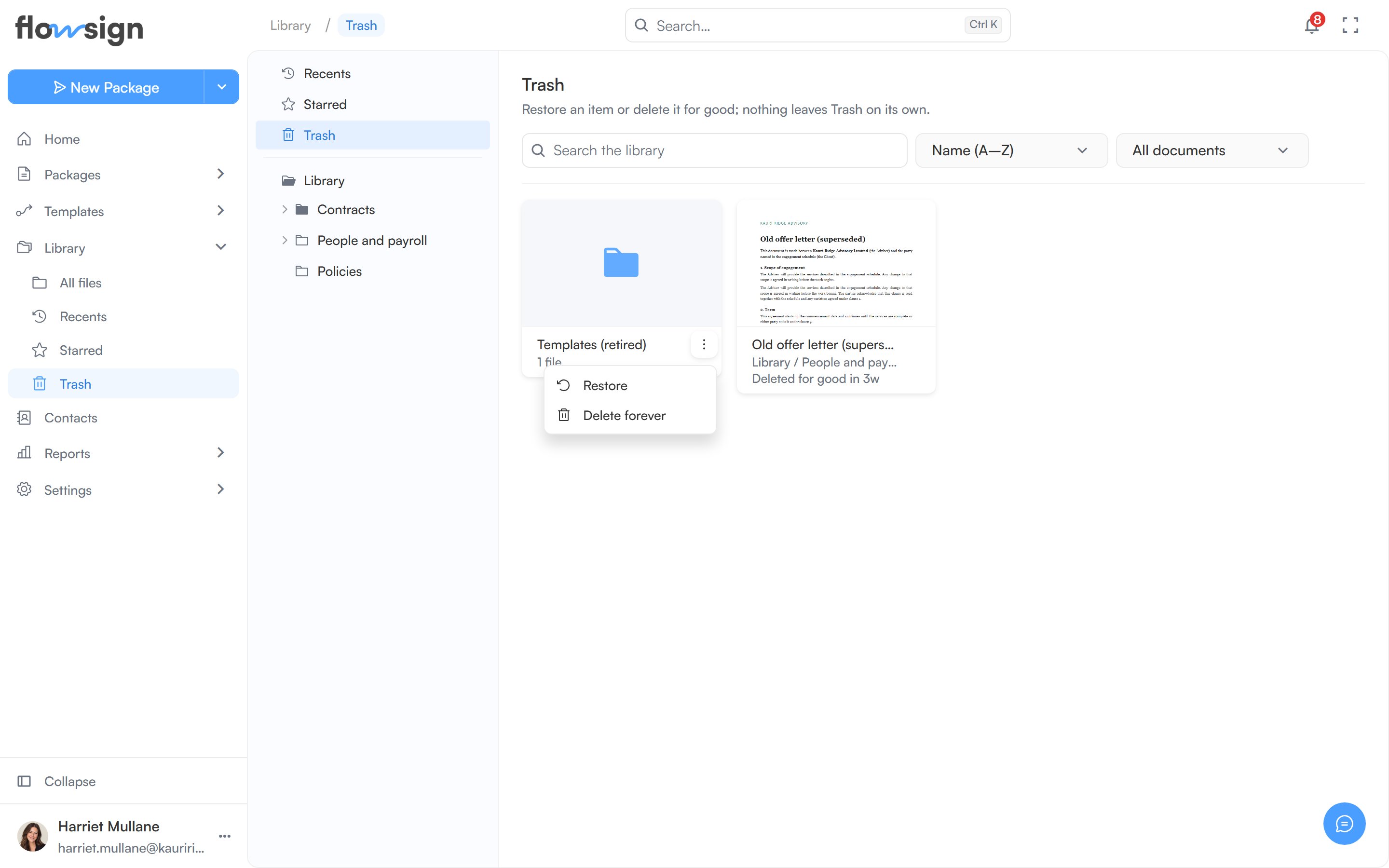
A trashed item's actions menu open, showing Restore and Delete forever

A trashed document's menu, with Restore and Delete forever.

Restoring

  • Restore puts an item back in the folder it came from. If that folder is no longer in the Library (for example, it is in Trash itself), the item comes back at the top level of the Library instead.
  • When you trash a folder, everything inside goes with it but only the folder is listed in Trash. Restoring the folder brings back its contents too. Items you had trashed separately before that stay in Trash.
An empty trash shows Trash is empty: “Deleted folders and documents show up here until you restore or delete them for good.”