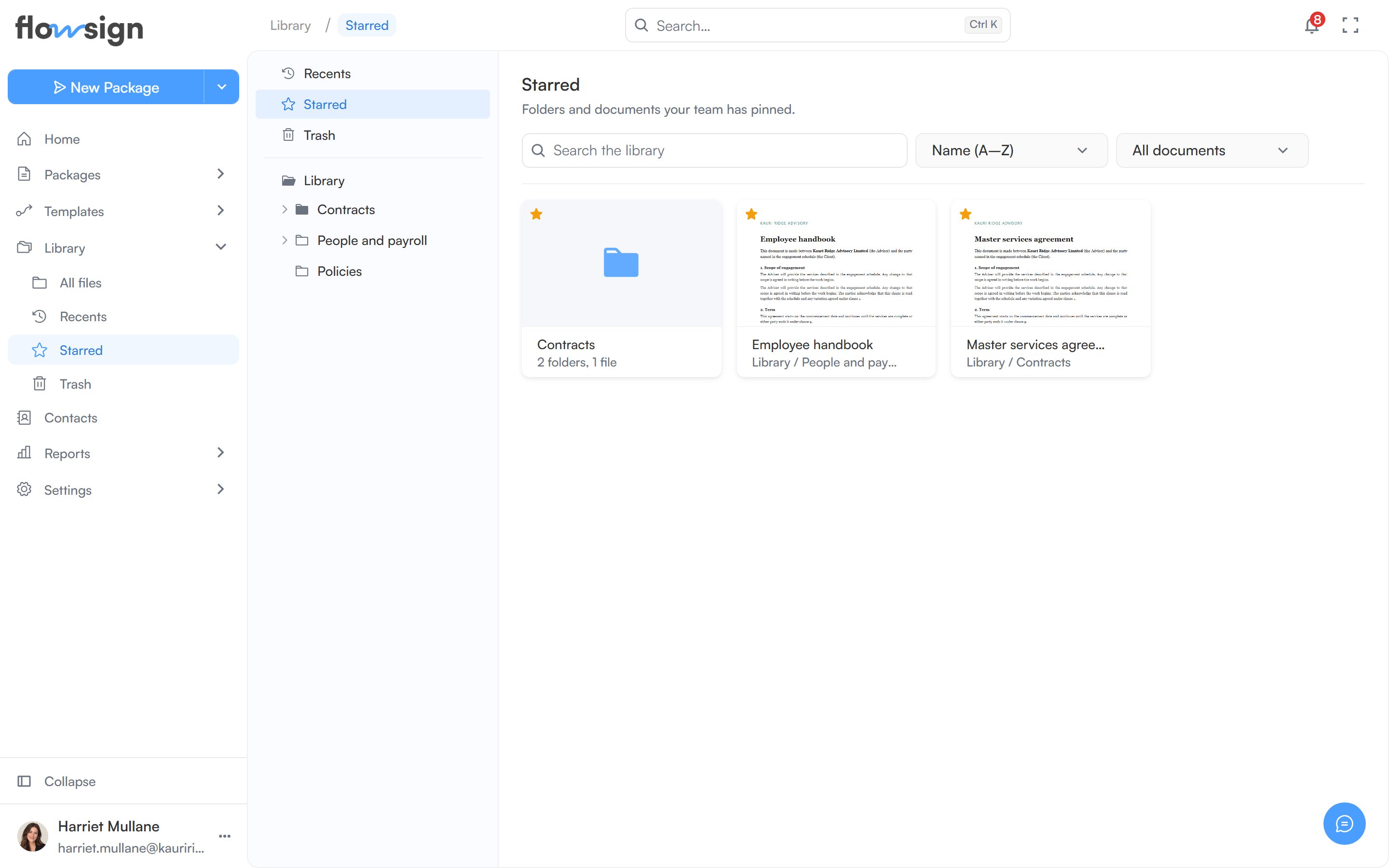
Folders and documents your team has starred, across the whole Library.
Starred is a cross-folder view of every folder and document anyone has starred; starring is shared with the whole team, not private to you. To star an item, open its actions menu and choose Add star; Remove star takes it off again. Changing stars needs the Manage the library permission.
Starred: folders and documents anyone has starred.
An empty view shows Nothing starred yet: “Star a folder or document and it will be here for the whole team.”