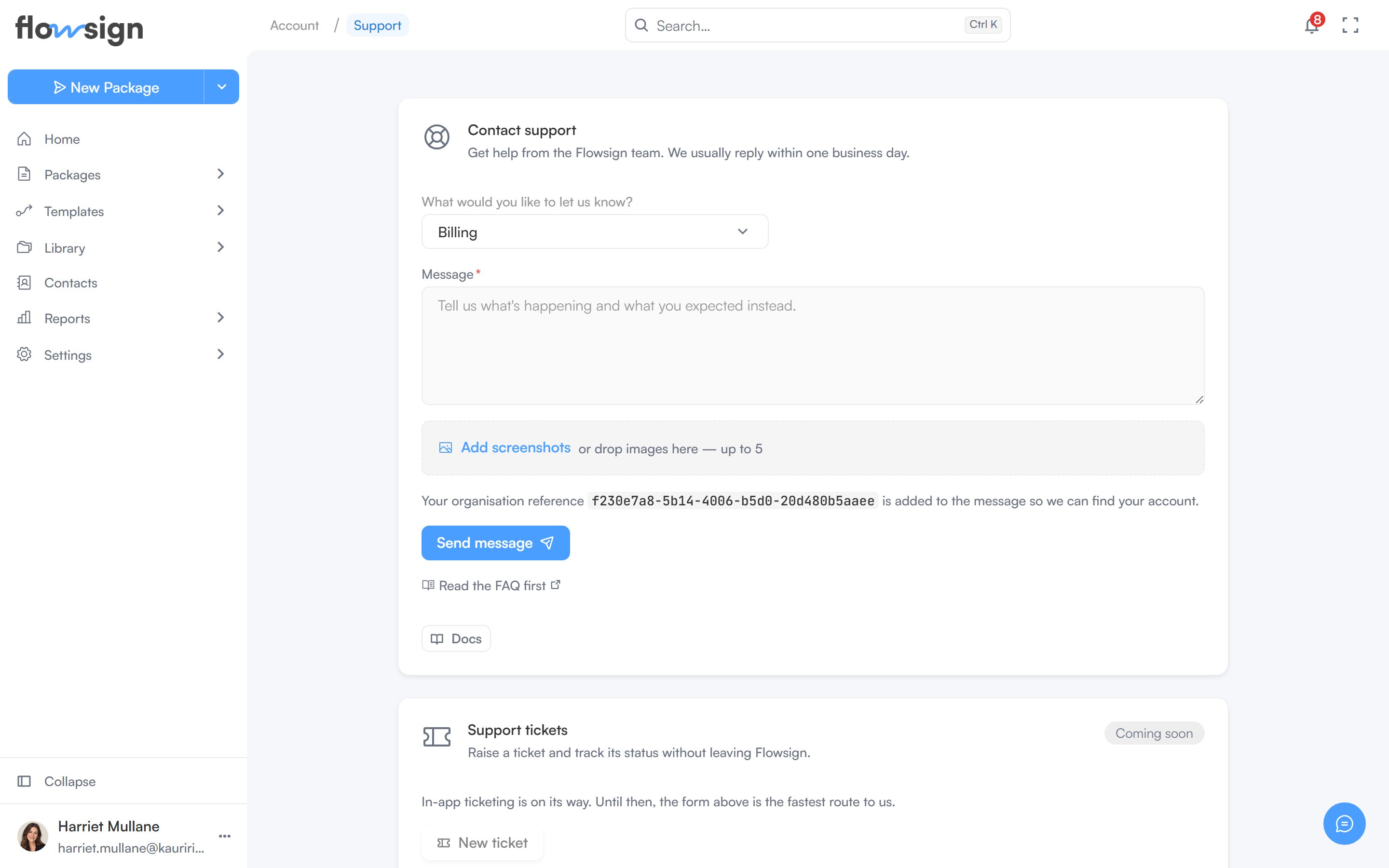
Contact the Flowsign team from the help panel in the app.
Help & Support opens the help panel, which is where to reach the Flowsign team directly from the app. Open it from the menu on your name at the bottom of the sidebar, from the Help & Support card on My Account, or from the floating help button in the bottom-right corner if you have it switched on in Preferences.
The support form, for reaching the Flowsign team from the app.
Under How can we help?, open Contact us. Pick a topic under What can we help with? (Something isn’t working, Account, Privacy or data request, Integration support, Feature request or idea or Something else), write Your message, then Send message. Your organisation is added to the message automatically so the team can find your account.After sending, a confirmation shows: “Message sent - we’ll get back to you shortly.”The help panel also offers Walkthroughs, Keyboard shortcuts and Help guides, and shows what’s new in Flowsign.