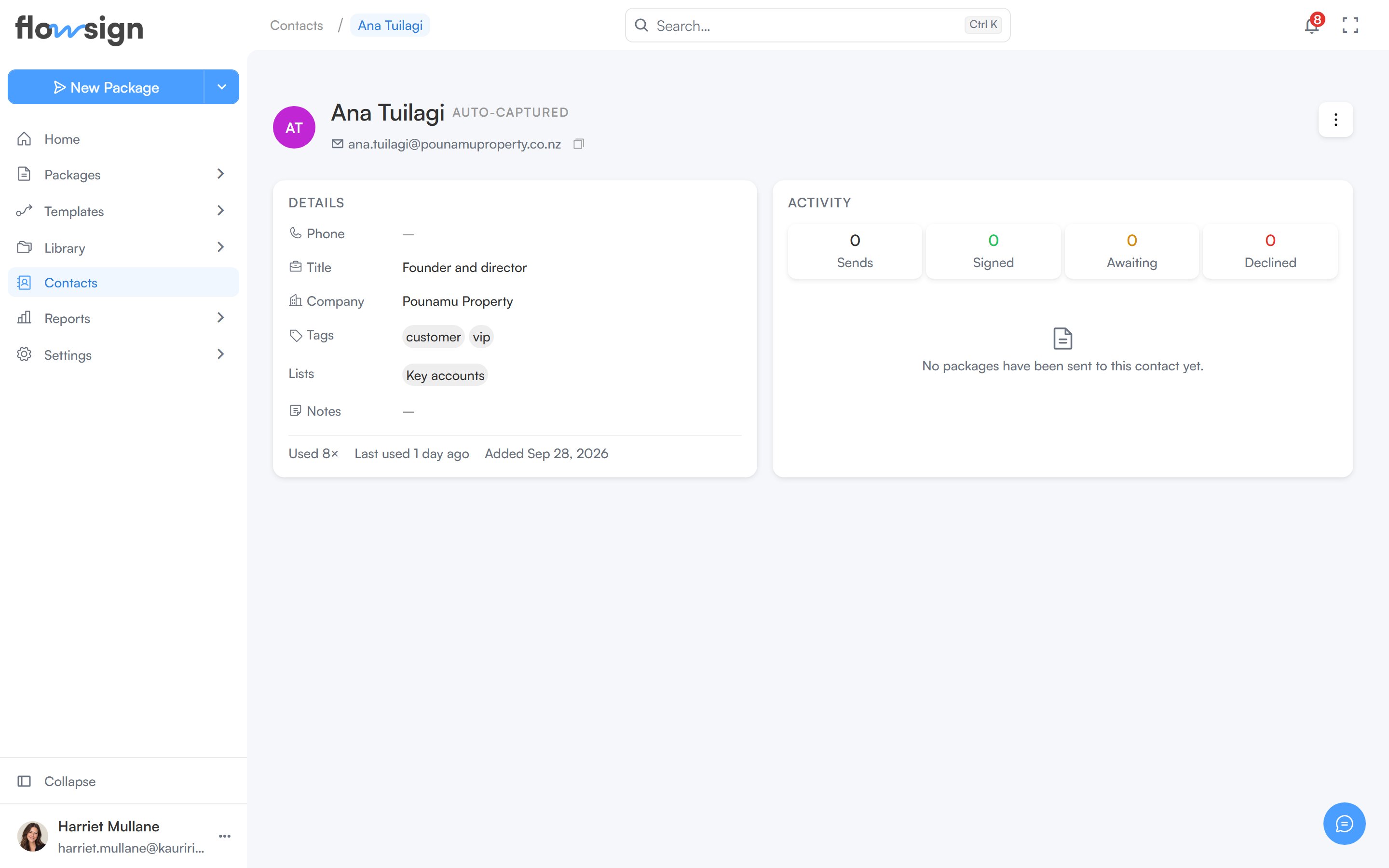
The header shows the contact’s name, email (with a copy button) and how they were added: Added manually, Imported or Auto-captured (saved when you sent them a package). With the Manage contacts permission, the Contact actions menu offers Edit, Add to list and Delete.
The Details card lists Phone, Title, Company, Tags, any Lists they belong to and Notes, followed by how often the contact has been used, when they were last used and when they were added.
The Activity card counts their Sends, Signed, Awaiting and Declined packages, then lists each package they’ve been a recipient on with its status. Click one to open the package. A contact with no packages yet shows “No packages have been sent to this contact yet.”