

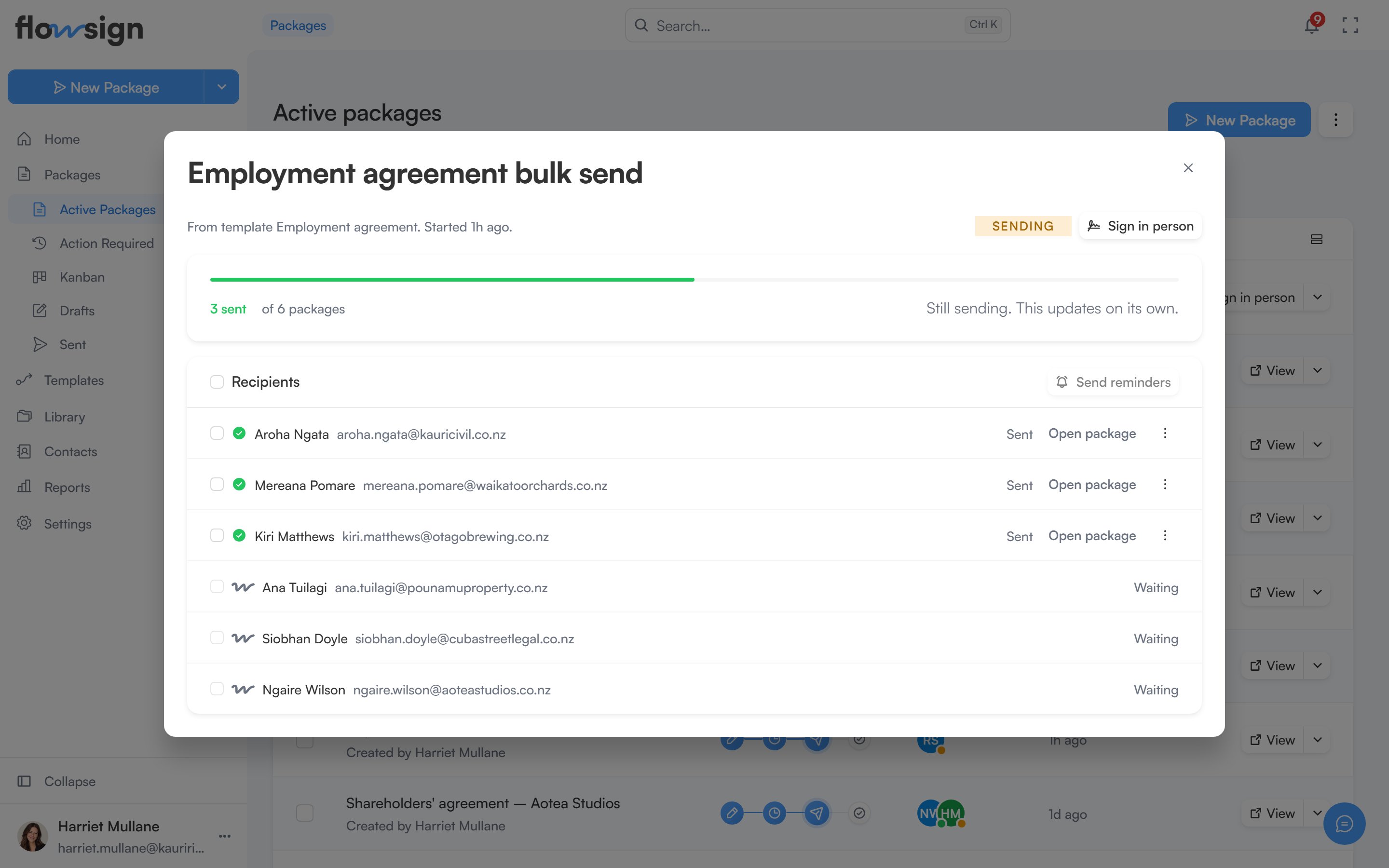
Choosing Details on a batch’s row in Packages opens its details in a dialog.
A bulk send detail page listing the recipients in the batch

A bulk send, with one row per recipient in the batch.

Bulk send requires the Business plan or higher. See pricing. The title is the batch’s name, followed by its source (“From template <name>”) and when it started. Beside it are a status tag (Queued, Sending, All sent, Partly sent, Sent with problems or Failed) and Sign in person when the batch has packages waiting to be signed in person.

Progress

A meter shows how many packages have been sent out of the total, with counts for any that failed, bounced or were undelivered. While the batch is still sending, a note says Still sending. This updates on its own.

Recipients

A list of every row in the batch with its status (Waiting, Sending, Sent, Failed or Skipped) or the error that stopped it. Open package goes to that row’s package, and its menu offers Sign in person or Send reminder where they apply. Select rows and choose Send reminders to remind several recipients at once.