> ## Documentation Index
> Fetch the complete documentation index at: https://docs.flowsign.app/llms.txt
> Use this file to discover all available pages before exploring further.
> ## Agent Instructions
> Flowsign is one word with a lowercase s.
> The REST API base URL is https://my.flowsign.app and every endpoint lives under /api/v1.
> When answering API questions, cite the HTTP method and endpoint path.
> API access needs the Enterprise plan and an API key with the API access permission.
# Walkthroughs
> An index of every guided product tour, and a link to the FAQ.
**Walkthroughs** lists every guided tour available in the app; starting one walks you through the relevant part of the product step by step.
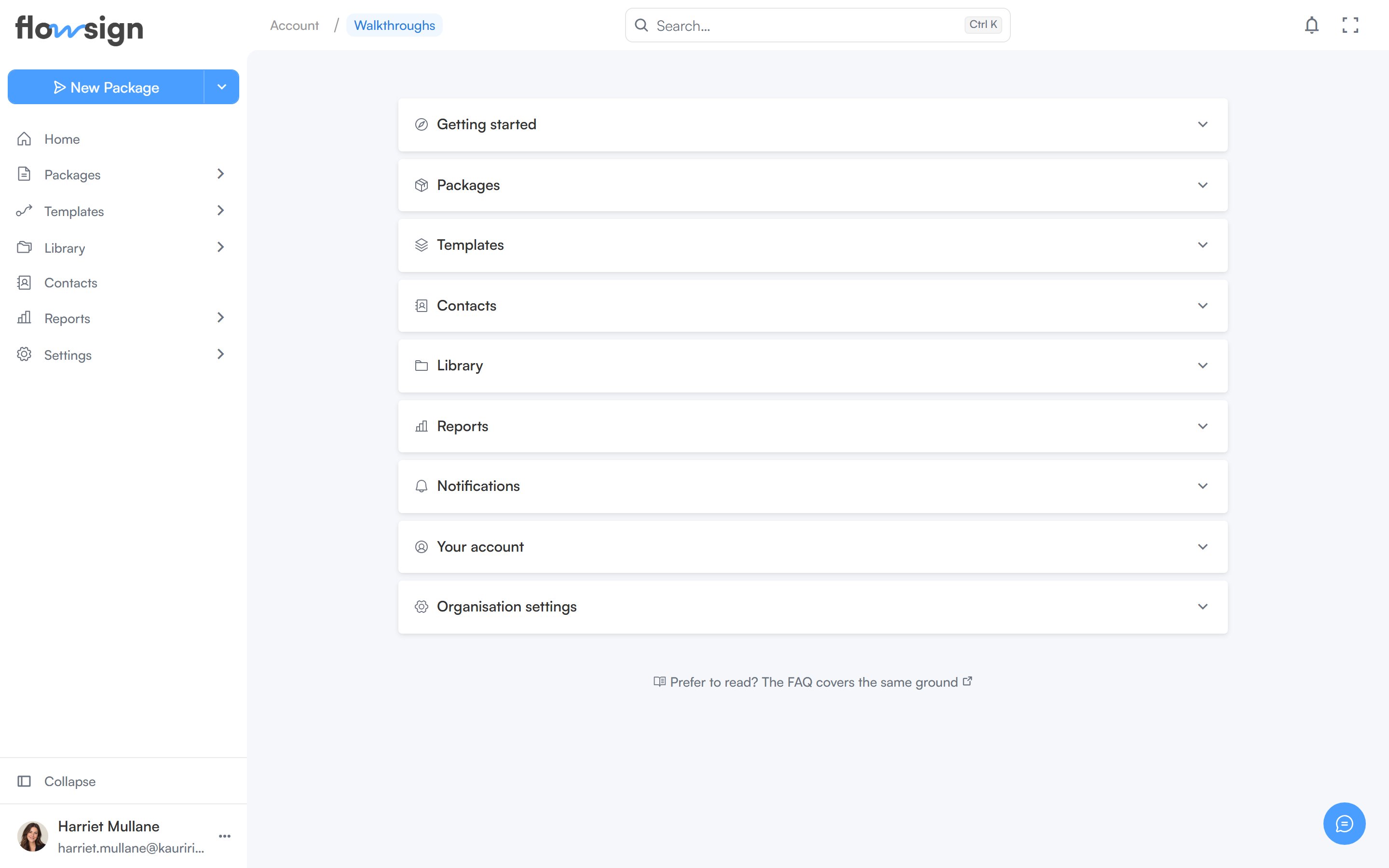 Tours are filed in collapsible groups: **Getting started**, **Packages**, **Templates**, **Contacts**, **Notifications**, **Your account** and **Organisation settings**. Each tour shows how many minutes it takes and how many stops it has. Tours you have finished stay listed with a **Completed** tick, so you can replay them any time.
The same list opens from **Walkthroughs** in the help menu in the top bar.
A link at the bottom, **Prefer to read? The FAQ covers the same ground**, opens the brochure site's FAQ in a new tab for anyone who'd rather read than click through a tour.
## Related
* [My Account](/guides/account/my-account)
* [Support](/guides/account/support)
Tours are filed in collapsible groups: **Getting started**, **Packages**, **Templates**, **Contacts**, **Notifications**, **Your account** and **Organisation settings**. Each tour shows how many minutes it takes and how many stops it has. Tours you have finished stay listed with a **Completed** tick, so you can replay them any time.
The same list opens from **Walkthroughs** in the help menu in the top bar.
A link at the bottom, **Prefer to read? The FAQ covers the same ground**, opens the brochure site's FAQ in a new tab for anyone who'd rather read than click through a tour.
## Related
* [My Account](/guides/account/my-account)
* [Support](/guides/account/support)